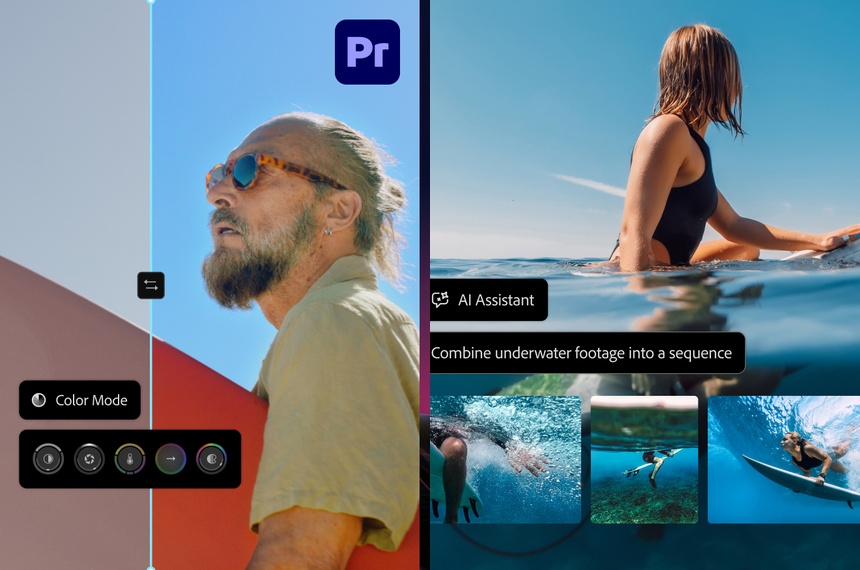
Adobe MCP integration was previewed at Adobe MAX 2026 in Miami Beach, allowing third party AI assistants such as OpenAI’s ChatGPT, Anthropic’s Claude and Google’s Gemini to edit native project files in Photoshop, Illustrator, Premiere and After Effects, Adobe said.
Adobe MCP integration lets assistants edit native projects
MCP stands for Model Context Protocol, an open standard introduced by Anthropic in 2024 that lets AI assistants connect to other software and tools. At Adobe MAX 2026, Adobe showed how the protocol will let third party assistants run commands that change native files on a users computer while leaving project structure intact, the company said.
Adobe said it plans to begin private testing early in 2027. Adobe expects a private test to start in early 2027, the company told attendees.
One command batch edits, layers remain editable
Using Adobe MCP integration, a designer can instruct an assistant to remove a logo from a campaign and have the assistant apply the change across a set of hero images, banners and social assets. The files open back in the native app for manual, frame by frame or layer by layer adjustments.
Adobe said Photoshop layers, Illustrator vector objects and Premiere timelines will remain editable after assistant driven edits, so designers can fine tune results without rebuilding projects.
Photoshop 28.0 adds Relight and editable restyles
Adobe highlighted features shipping now in Photoshop 28.0, including Relight, which lets users place up to three light sources on a photo and adjust position, color, brightness and softness after capture. Relight supports up to three separate light sources, Adobe said.
Generative Restyle can convert an effect produced by a text prompt into editable layers, and a new Remove Tool can remove objects together with their reflections or cast shadows.
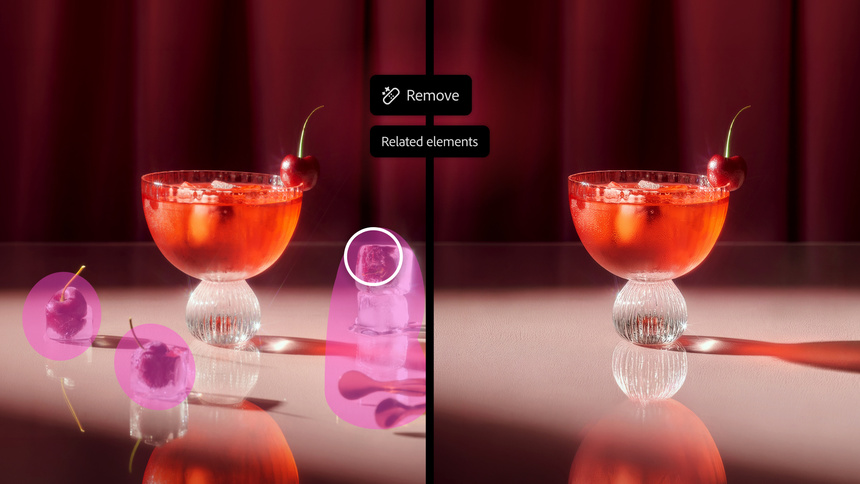
Even if a designer only has a single JPEG poster, a Photoshop preview can use Convert to Text Layers to break recognized text into editable layers, so font, size and color can be changed inside the app.
Premiere separates dialogue music and ambience
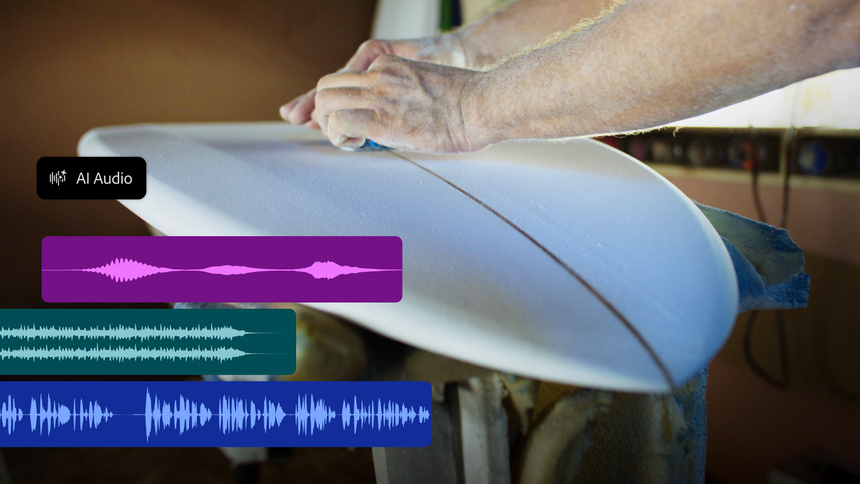
Premiere 27.0 introduces a Color Mode for grading and can generate pick up shots, music or environmental sound directly on the timeline. If an interview recording contains live music, the Enhance Audio tool can separate dialogue, music, ambience and sound effects so each element can be mixed independently, Adobe said.
Lightroom can reopen closed eyes and preserve freckles
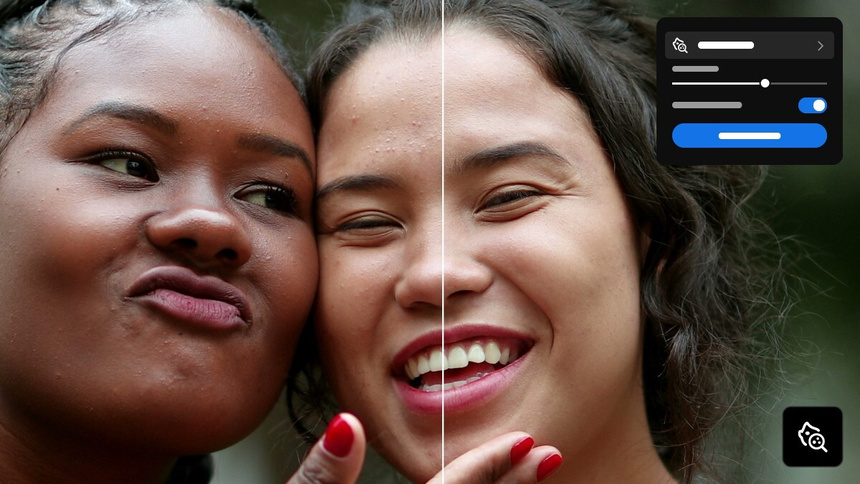
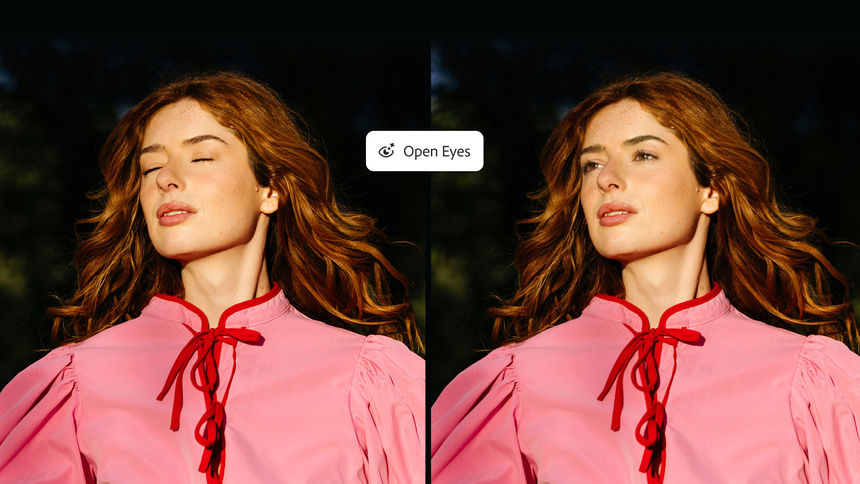
Lightroom desktop now includes Blemish Removal that retouches skin while allowing selective restoration of freckles or moles. For group photos where someone blinked, an experimental Open Eyes feature can use a reference photo to correct closed eyes, Adobe said.
Firefly Design and Firefly Builder unify creative and prototypes
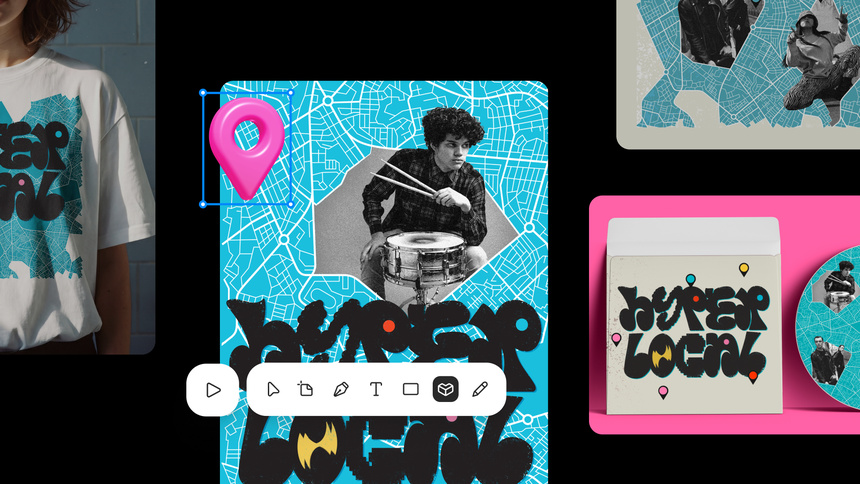
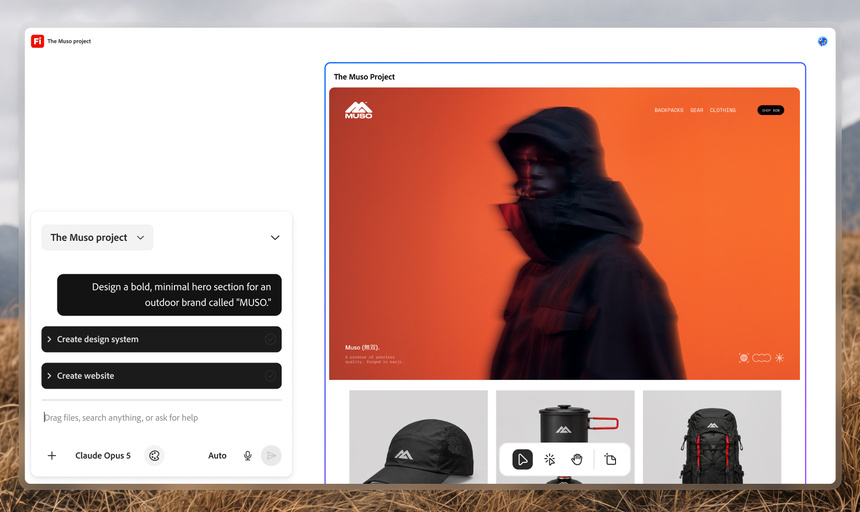
Firefly Design is in open testing and lets illustrations, photos, animation and 3D assets share a single canvas. A privately tested Firefly Builder can create interactive website or app prototypes from text prompts, Adobe said.
Adobe has not announced pricing for the native MCP integration, a firm release date, or whether Hong Kong users will be invited to the first round of private testing, the company said.