Apple Watch Live Rewind debuted in the watchOS 27.3 developer beta on Nov. 3, 2026, offering a 15-second on-screen transcript and a separate Siri Recap conversation-summary feature, Apple said.
How Apple Watch Live Rewind works
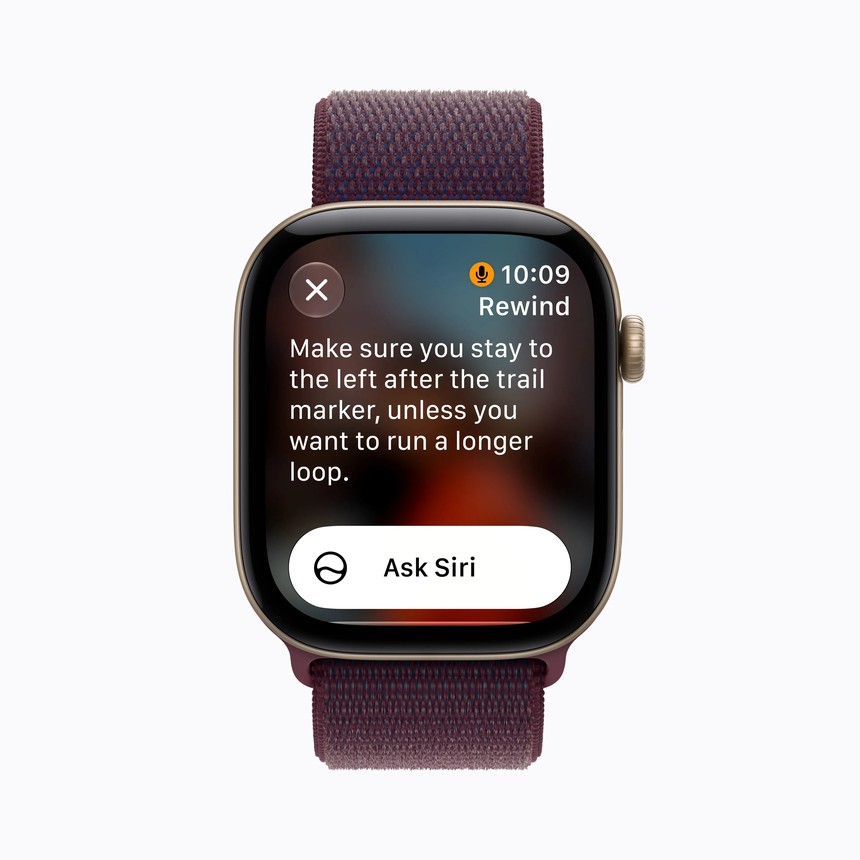
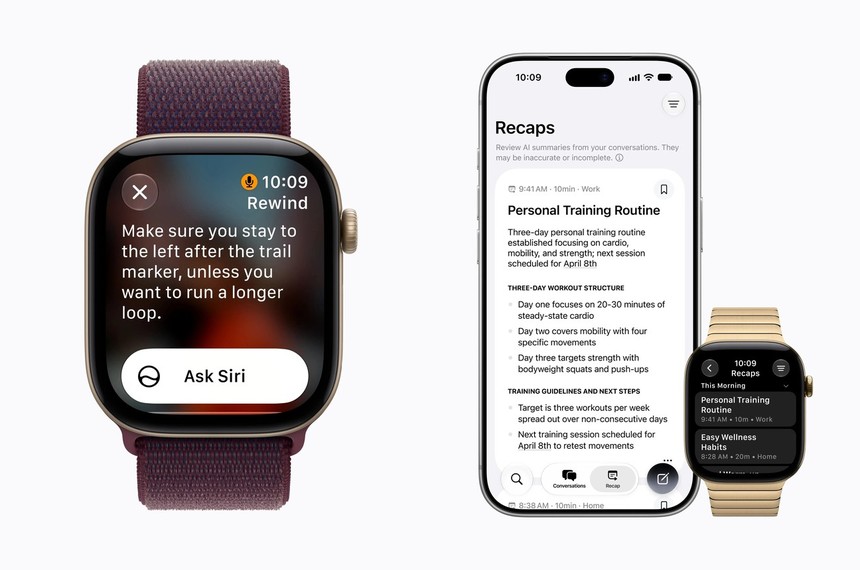
With Live Rewind enabled, users double-press the digital crown to view the last 15 seconds of spoken conversation as text on the watch screen, Apple said. The feature displays the transcript only, it does not replay audio, and it will not continue transcribing after showing the clip.
If a user missed an instruction, they can review the excerpt, tap Ask Siri to follow up, or save the clip into the Siri app for later reference. If the user does not save the clip or tap Ask Siri, the text expires about 30 seconds after the watch screen dims.
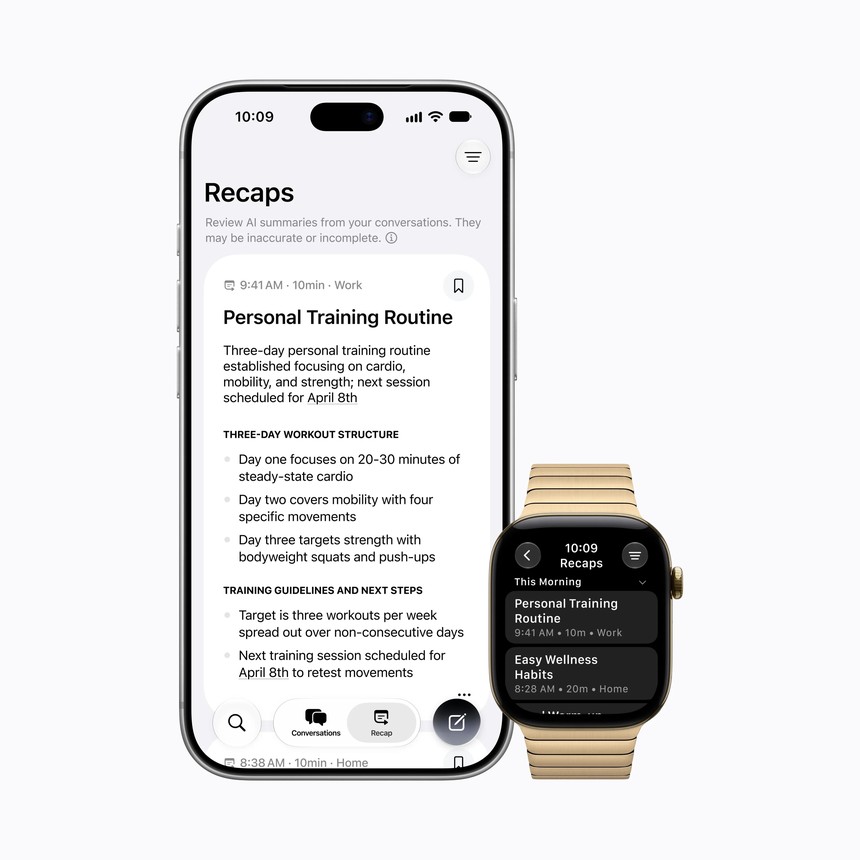
Siri Recap: conversation summaries on Apple Watch and iPhone
Siri Recap generates a title, a short summary, and a bullet list of highlights for conversations that occur while the feature is on, Apple said. Summaries are available in the Siri app on the Apple Watch and on a paired iPhone, and they are not verbatim transcripts.
Apple noted that Siri Recap will not attribute lines to specific speakers, and it will not provide a full, word for word record of a conversation. The company warned that summaries can omit or misstate details, and urged users to verify critical information such as payment amounts, agreed times, or deadlines.
Notifications, headphones, and when Apple notifies you
According to Six Colors, the watch notifies the user when Siri Recap starts and stops, and the iPhone can send an end of day reminder to review that day’s summary. Apple said Live Rewind emits an audible tone and shows a full screen animation and a microphone indicator when it activates, even if the watch is in silent mode or is connected to headphones.
Apple also cautioned that the two prompts are not equivalent: a Siri Recap notification does not guarantee that everyone nearby knows a conversation is being processed, and enabling either feature does not substitute for asking permission from people present when sensitive topics are discussed.
How audio is processed and synced
Apple said raw audio for Live Rewind is handled inside the S11 chip Secure Enclave on the watch and deleted immediately after processing, so no playable recording is stored on the device. If a user chooses to ask Siri a follow up question or save a text clip, that text is securely transmitted to Apples Private Cloud Compute.
Siri Recap uses a different flow, Apple said. The watch sends encrypted audio to the paired iPhone Secure Enclave, where the audio is decrypted, transcribed, and condensed, then the encrypted condensed text is sent to Private Cloud Compute to generate the summary. Saved summaries and Live Rewind text clips can sync across devices via iCloud with end to end encryption, when account and device security conditions listed by Apple are met.
Which watches and iPhones can use the features
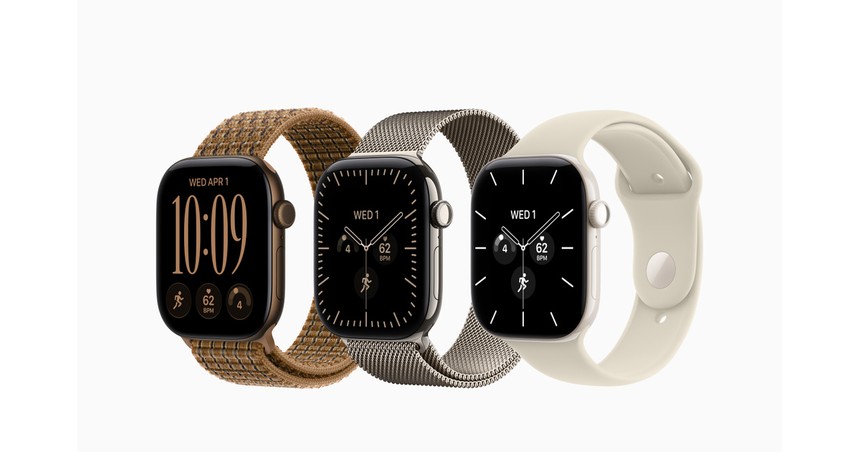
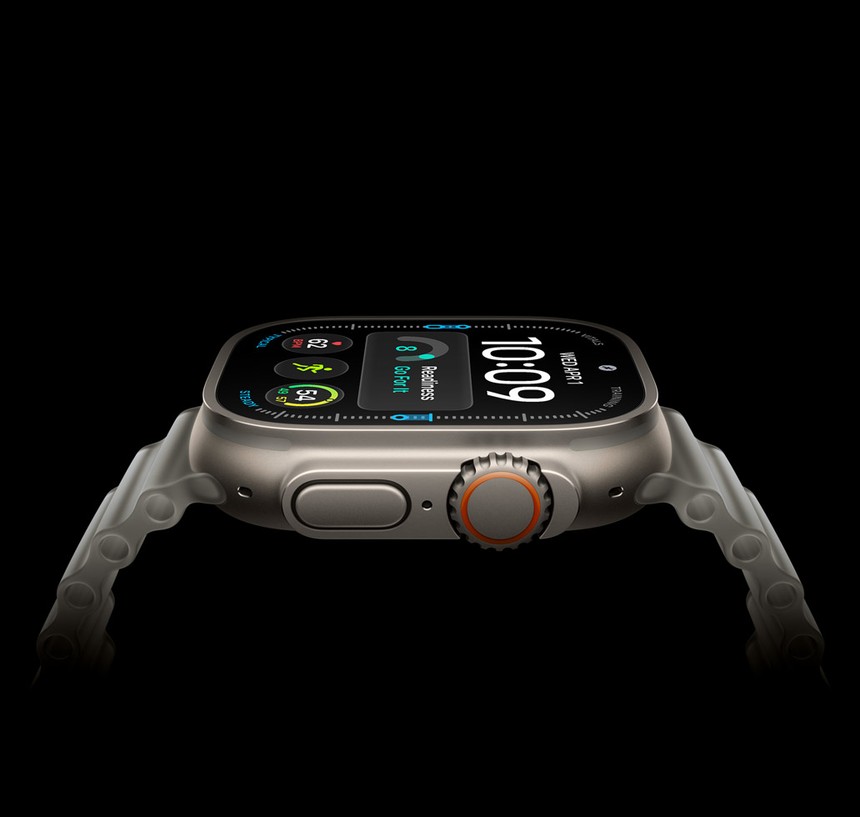
The Audio Intelligence suite of features supports Apple Watch Series 12 and Apple Watch Ultra 4, Apple said. However, the four features in the suite have different iPhone pairing requirements and not all features are available with the same phones.
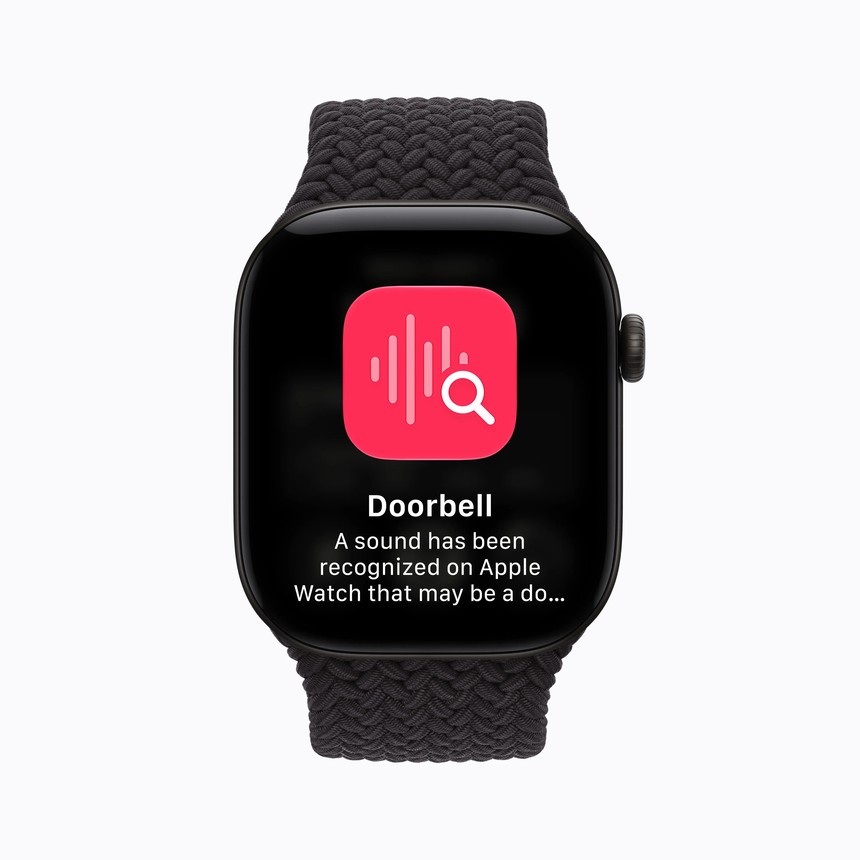
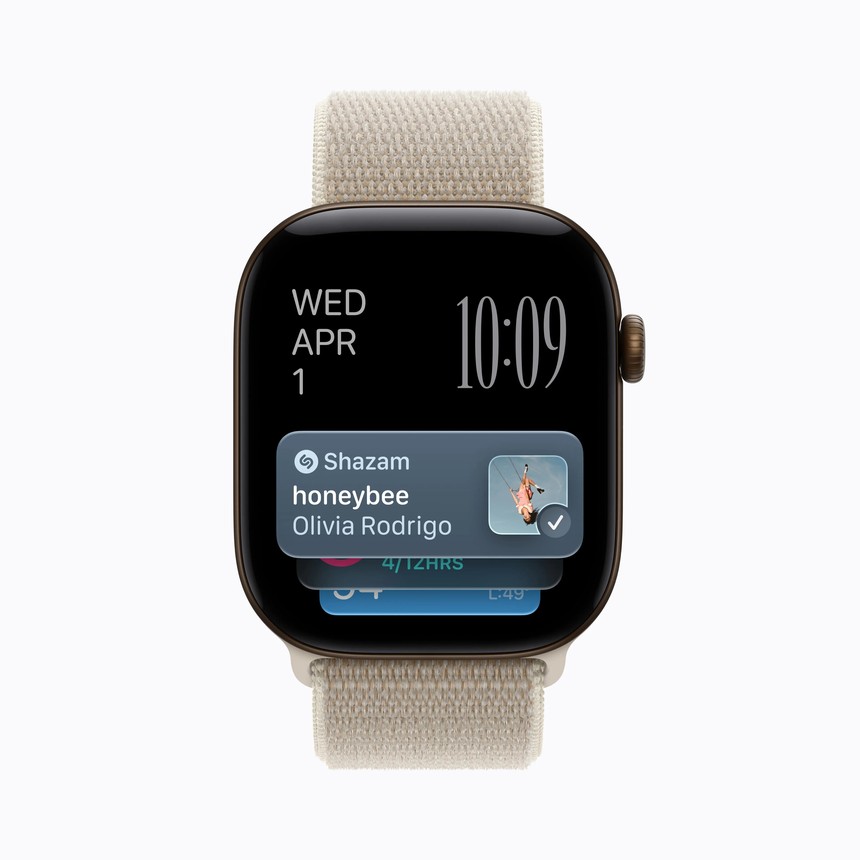
Live Rewind and Siri Recap require a paired iPhone that supports Apple Intelligence, specifically an iPhone 16 or later, excluding iPhone 16e, and they require Apple Intelligence and Siri AI to be enabled. By contrast, the watchs sound recognition and automatic Shazam song identification work with iPhones running iOS 27 as far back as iPhone 11 and with iPhone SE second generation and later, Apple said.
Limits, languages, and availability
Apple said some Audio Intelligence features that rely on server models, including Live Rewind and Siri Recap, have daily usage limits, though Apple has not published specific quotas. At launch these two features support English only, they are not initially available in the European Union, and they are not intended for children under 13 years of age.
Apple said accounts used by children under 18 years require a parent or guardian to enable the features. The developer beta is open now to registered developers; Apple has not announced a date for the public release.