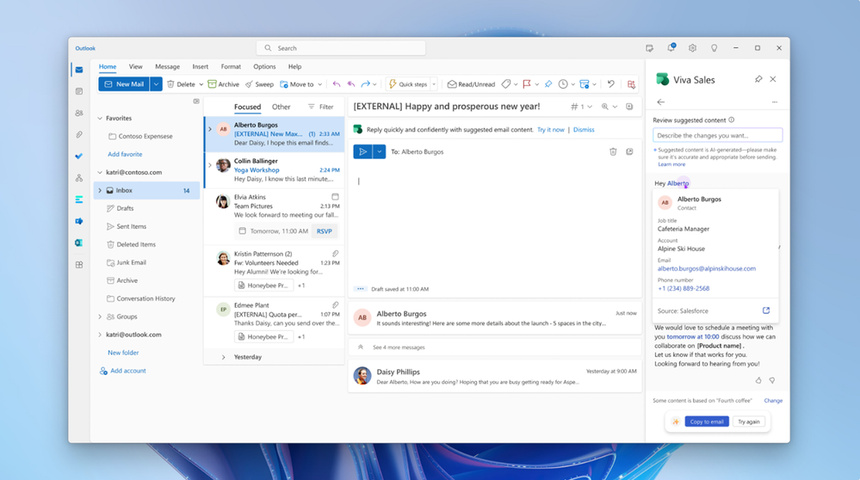
Microsoft 365 outage left Outlook users around the world unable to open inboxes and caused email delivery delays, Microsoft said, as the company rerouted traffic and restarted affected servers.
Microsoft 365 outage affects Teams calendar and invites
The problem began when Microsoft received reports from the Americas that some users could not connect to Exchange Online mailboxes, the company said in a service status update on status.cloud.microsoft.
By early Friday Hong Kong time, Downdetector showed 138,058 reports of Outlook problems in the United States, and more than 46,000 reports for Microsoft 365 overall, with roughly 3,000 reports for Teams.
Calendar features hit, ongoing meetings mostly unaffected
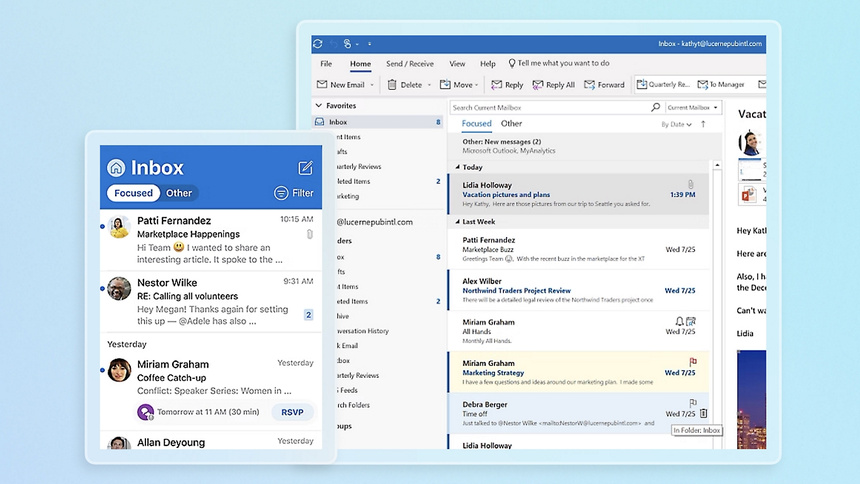
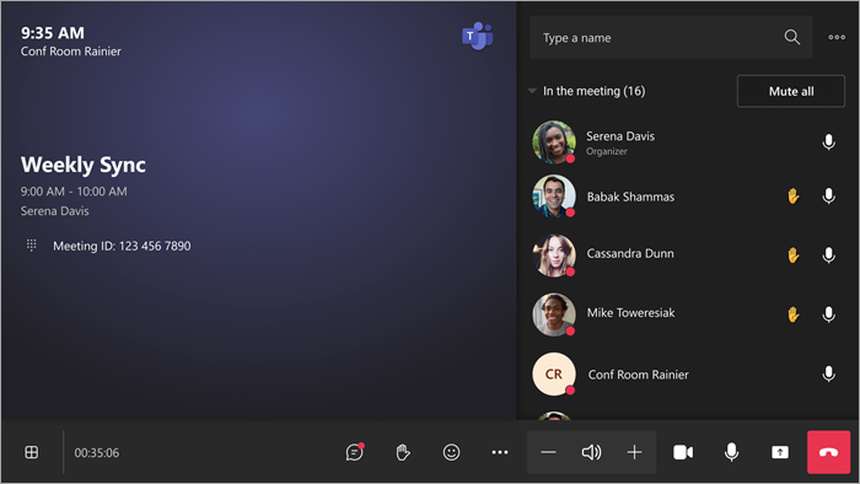
Outlook on the web, the desktop app, and some mobile clients share Exchange Online for mail delivery, so switching devices may not fix connection issues. Teams calendar functions, meeting invites, and rescheduling tools may fail, while chat and joining existing meetings are generally usable.
If you already have a meeting link, open it directly. For last-minute reschedules, confirm changes in the original group chat to avoid relying only on calendar notifications.
Copilot, recent files, and offline copies
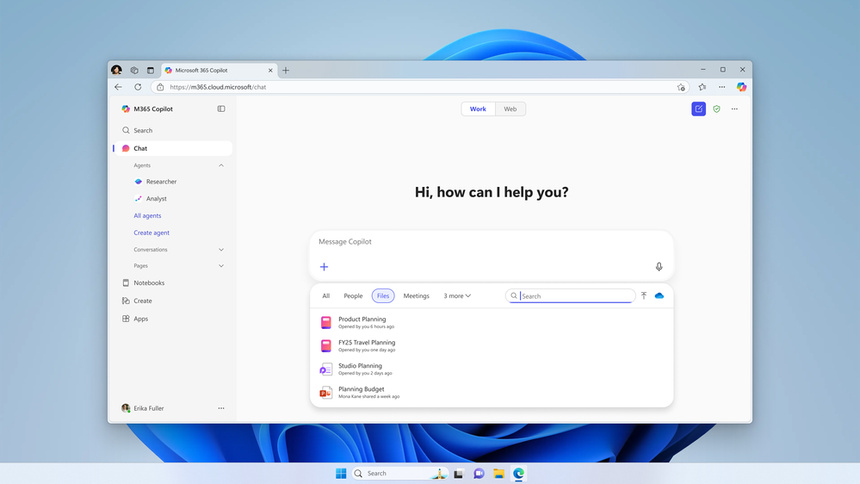
Microsoft 365 Copilot may fail to load conversations, respond to prompts, or read work email and calendar data during the outage. Word and Excel may not populate the “recent files” list, but files saved locally can be opened from the original folders.
Users with desktop clients that saved an offline copy can read older messages and draft replies. Messages pressed to send while offline may remain in the outbox until the client reconnects.
Servers failed health checks then lost responsiveness
Microsoft said some servers failed automated health checks and went offline unexpectedly, increasing load on healthy servers. The company redirected some traffic through alternate paths and restarted servers, but some machines became unresponsive again after receiving traffic.
The company has not yet disclosed the root cause. Partial restoration was reported in Hong Kong time around 11 a.m. on Nov. 13, but Microsoft warned that traffic distribution issues were still being resolved.

Check service status and avoid risky links
When Outlook cannot connect, first check Microsoft’s service status page. If the outage matches the incident report, avoid immediately resetting passwords or reinstalling Outlook until Microsoft confirms recovery.
For urgent matters, use the phone or another approved company communication channel. If you receive messages claiming to “fix your mailbox,” verify the status on Microsoft’s official site and do not enter credentials on unfamiliar links.
Campus notice and practical tips
The Chinese University of Hong Kong Information Technology Services warned campus users that Exchange Online, Teams, SharePoint Online, and Microsoft 365 Copilot could be affected, and advised staff and students to follow official guidance from their IT teams.
After reconnection, check your outbox and sent items before resending messages, and watch for delayed meeting invites and reschedule notices. Files stored on SharePoint Online should remain accessible, while email-dependent features may still be disrupted.