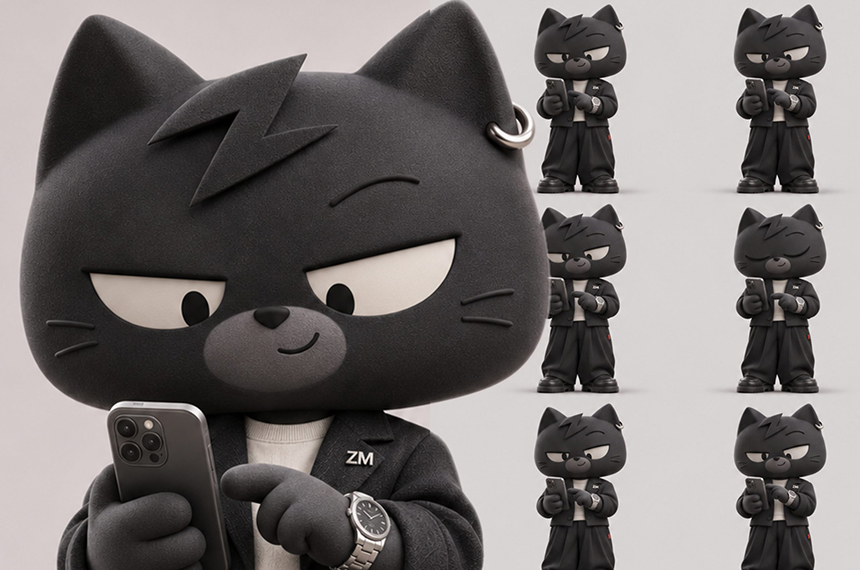
Images 2.6 GIF arrived on Nov. 4 when OpenAI announced Images 2.6, a release that adds direct GIF creation so text prompts, photos, or hand sketches can become looping animations.
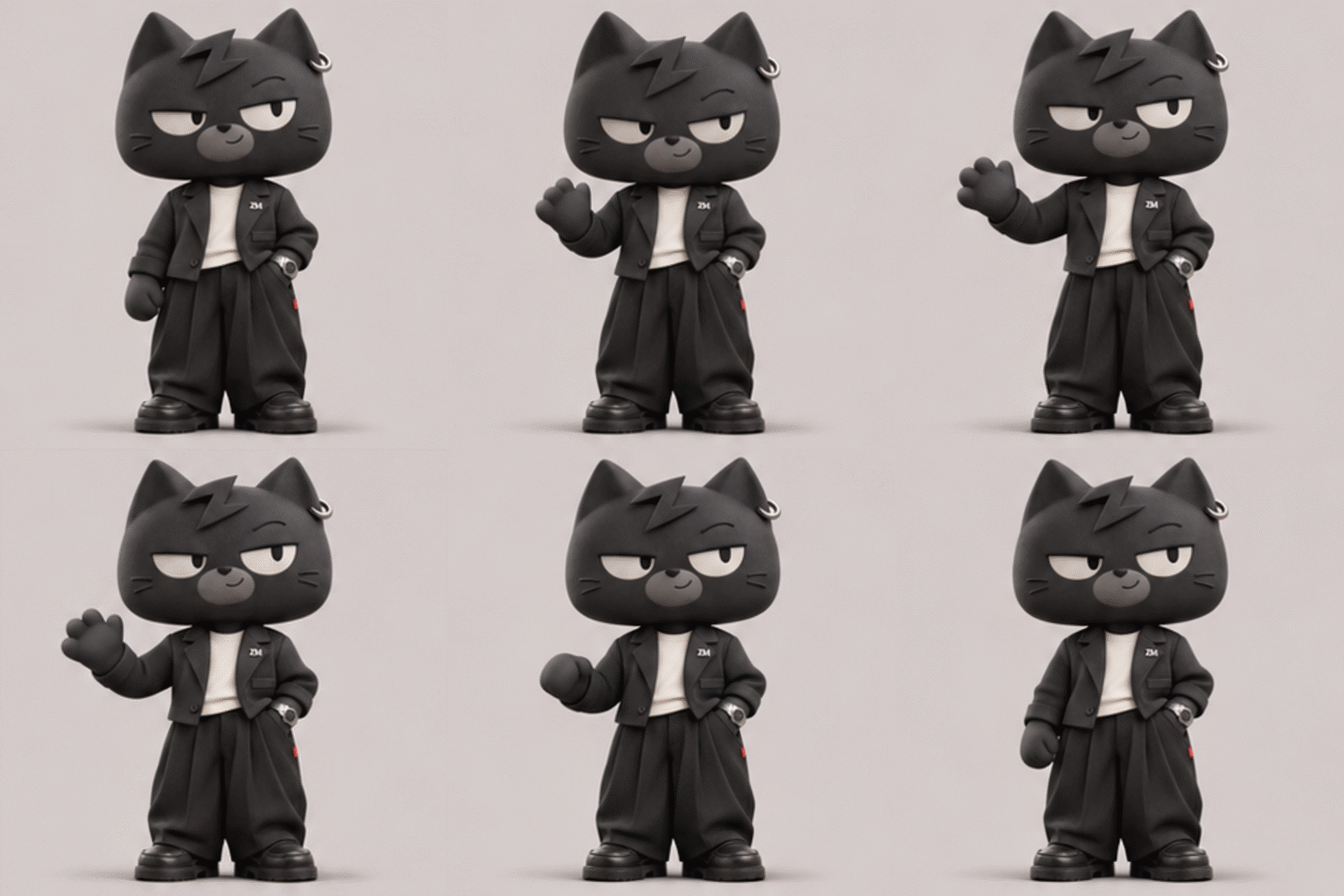
Images 2.6 GIF test results
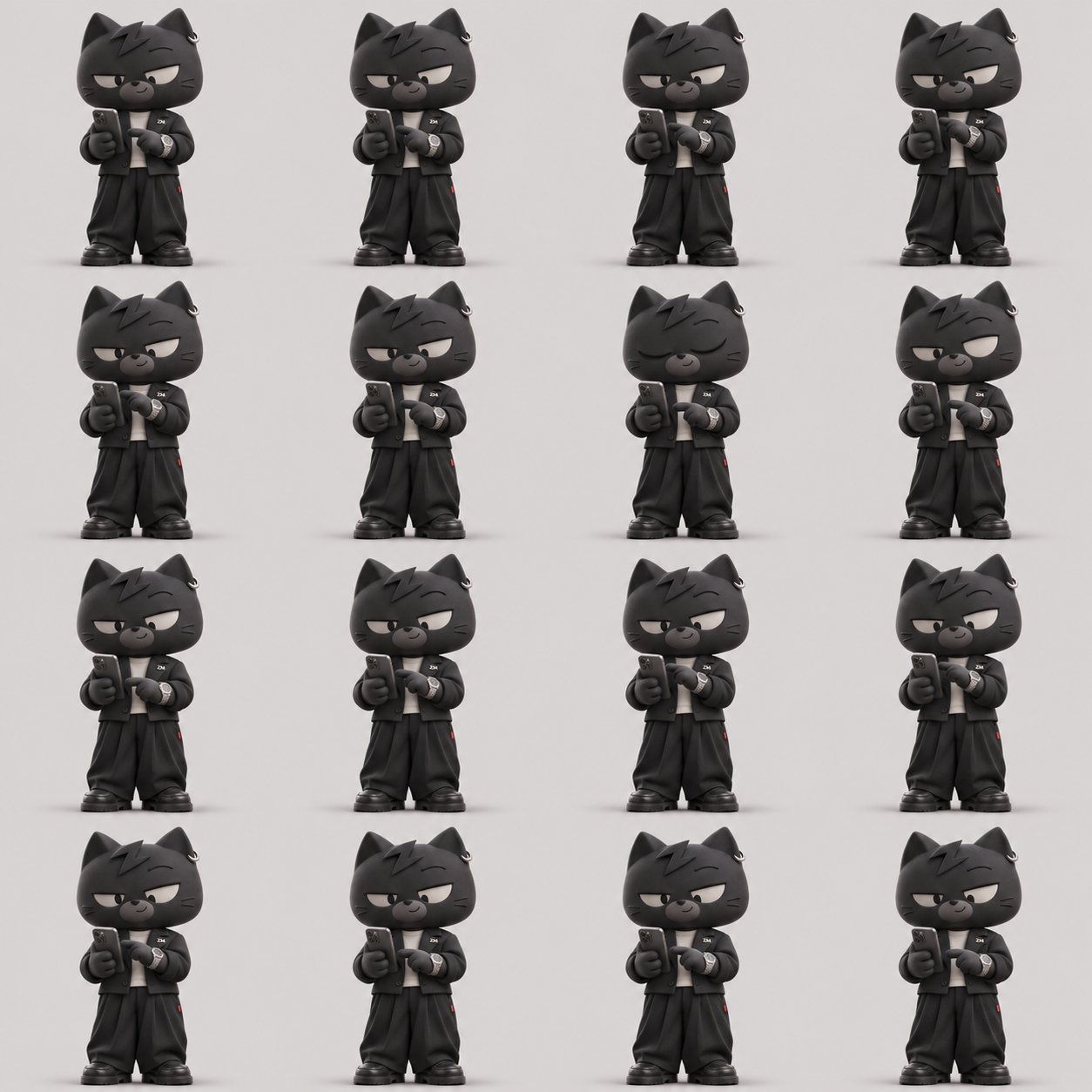
OpenAI said the GIF feature does not use a video diffusion model, but rather a sequence frame technique common in the game industry, where one image contains multiple consecutive panels that are sliced and assembled into a GIF.
The approach reduces inference latency compared with video models, and helps keep a subject s facial features, clothing, and background consistent across frames, OpenAI said.
You can adjust playback speed from 0.5 times to 2 times, edit frame by frame, and share or download finished GIFs to a ZIP file, or post them directly to X, LinkedIn, and Reddit.
How we tested Images 2.6 GIF
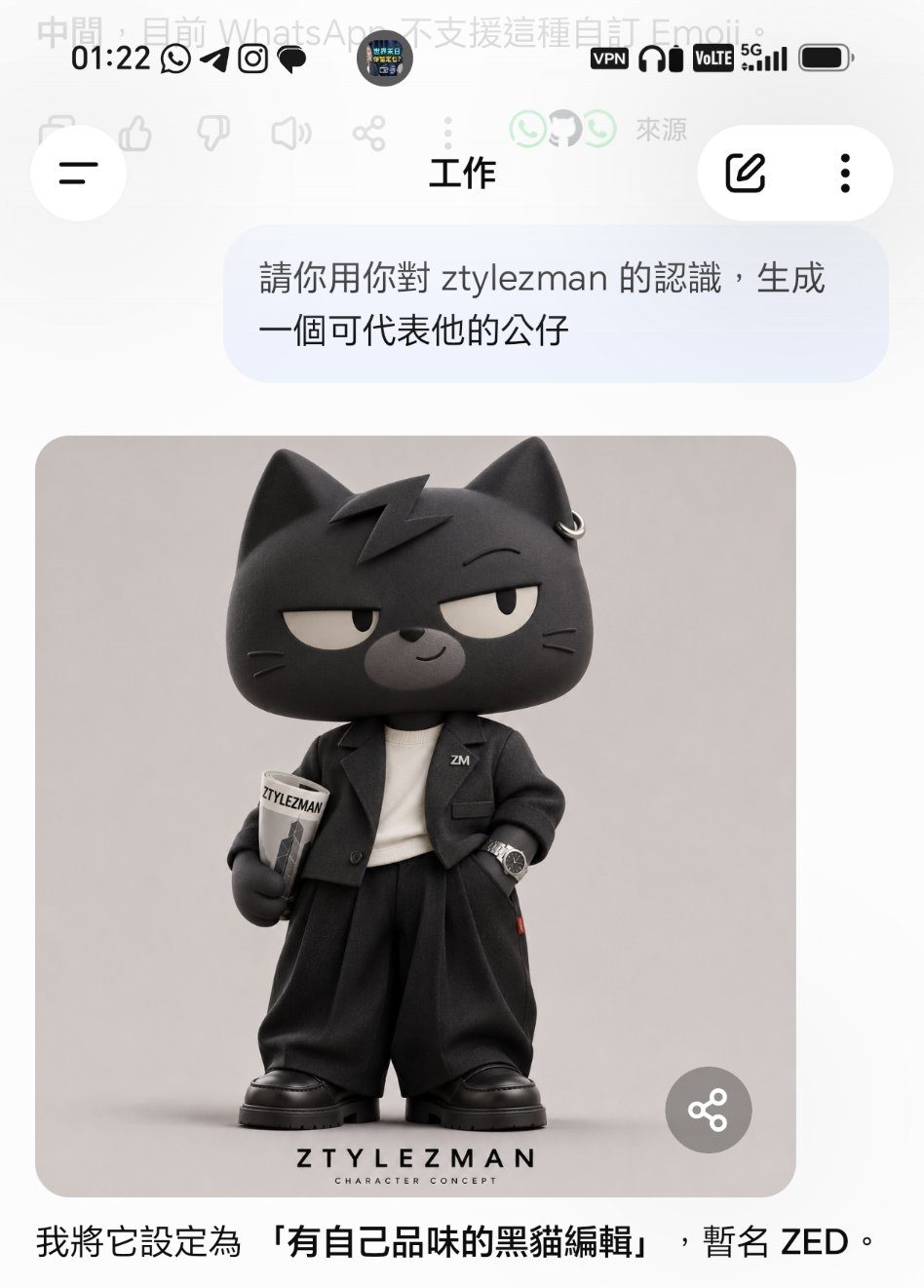
Step one : Ask ChatGPT to generate a static character image
“Please use your knowledge of ztylezman to generate a character that can represent the site”
Step two : Turn the static character into a GIF
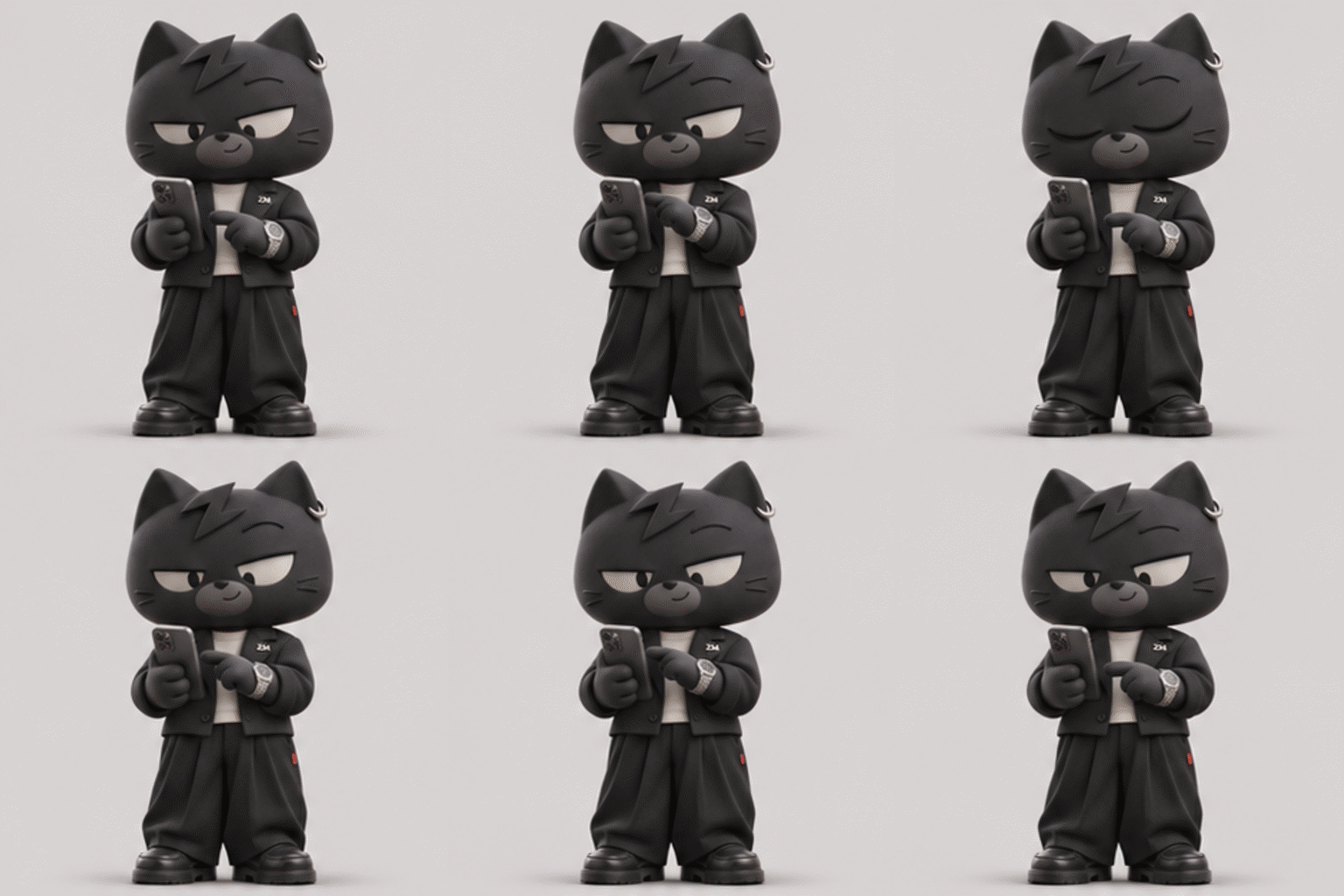
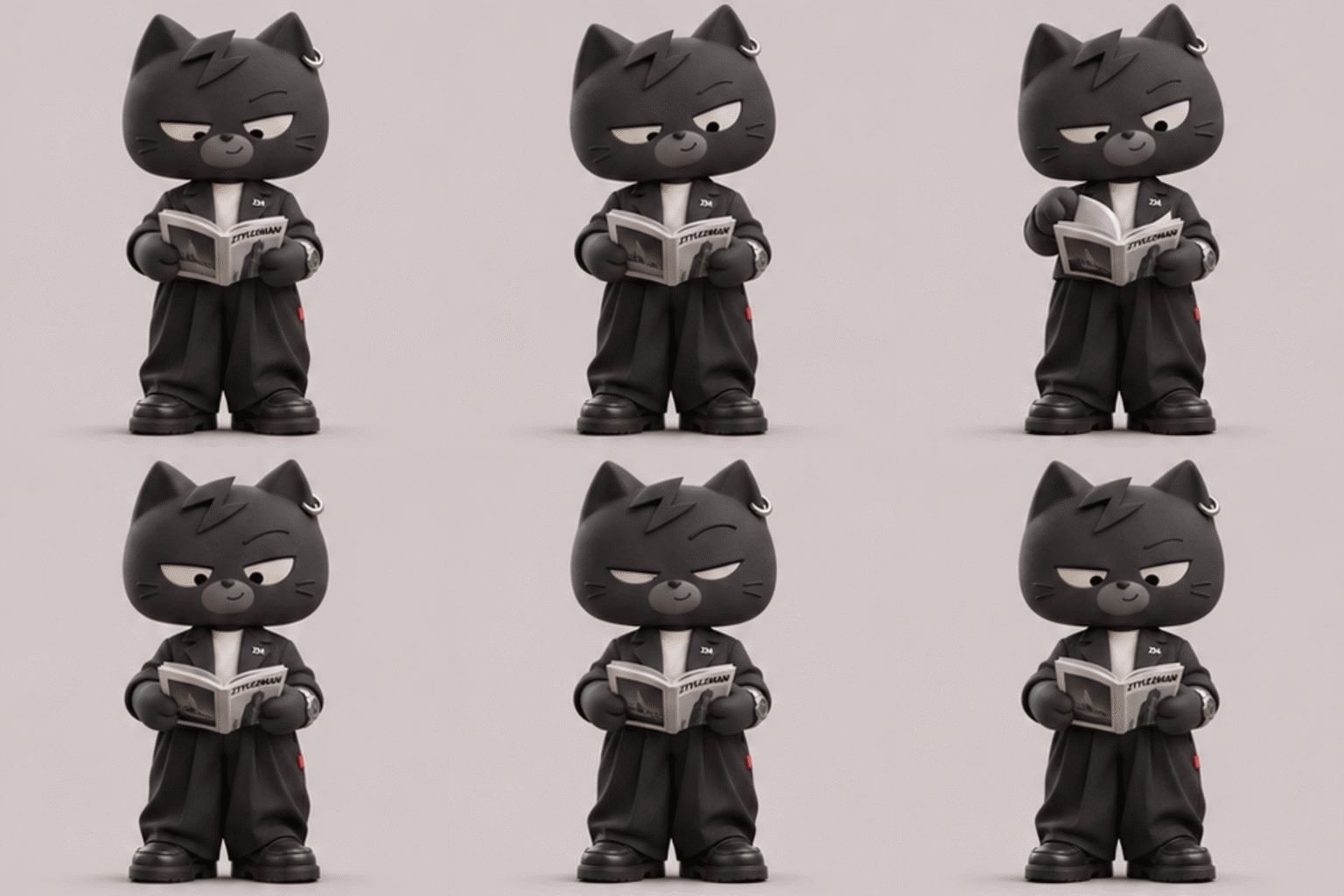
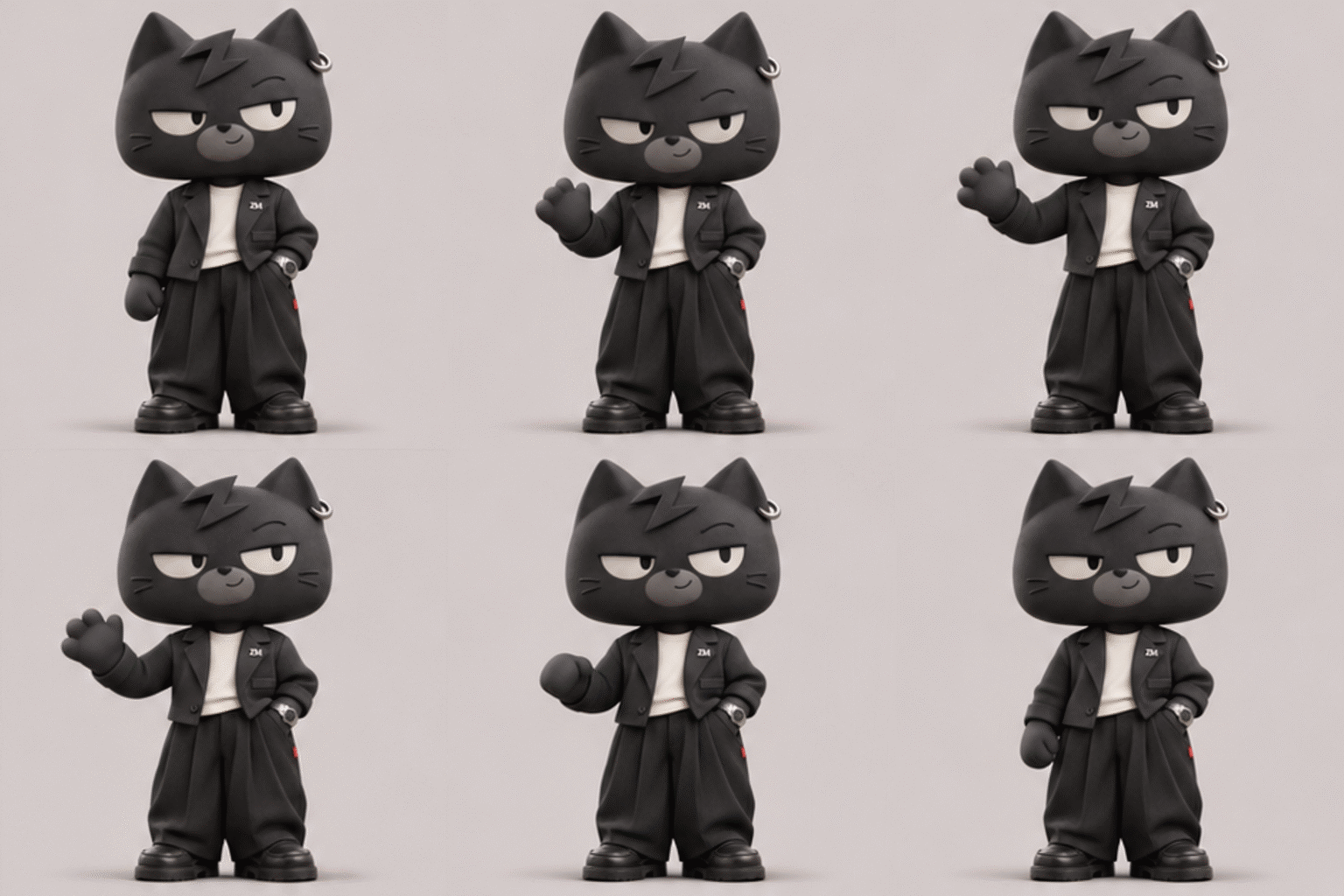
“Please generate a series of GIF images for ZED, for example look at a watch then turn to check a phone”
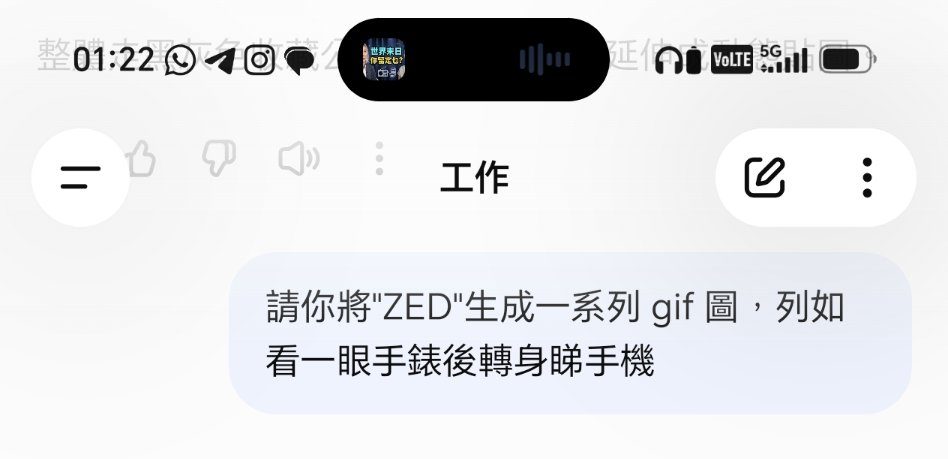
ChatGPT draws 16 frames per planned GIF, then assembles them into a looping image
ChatGPT Images finished generating the GIFs
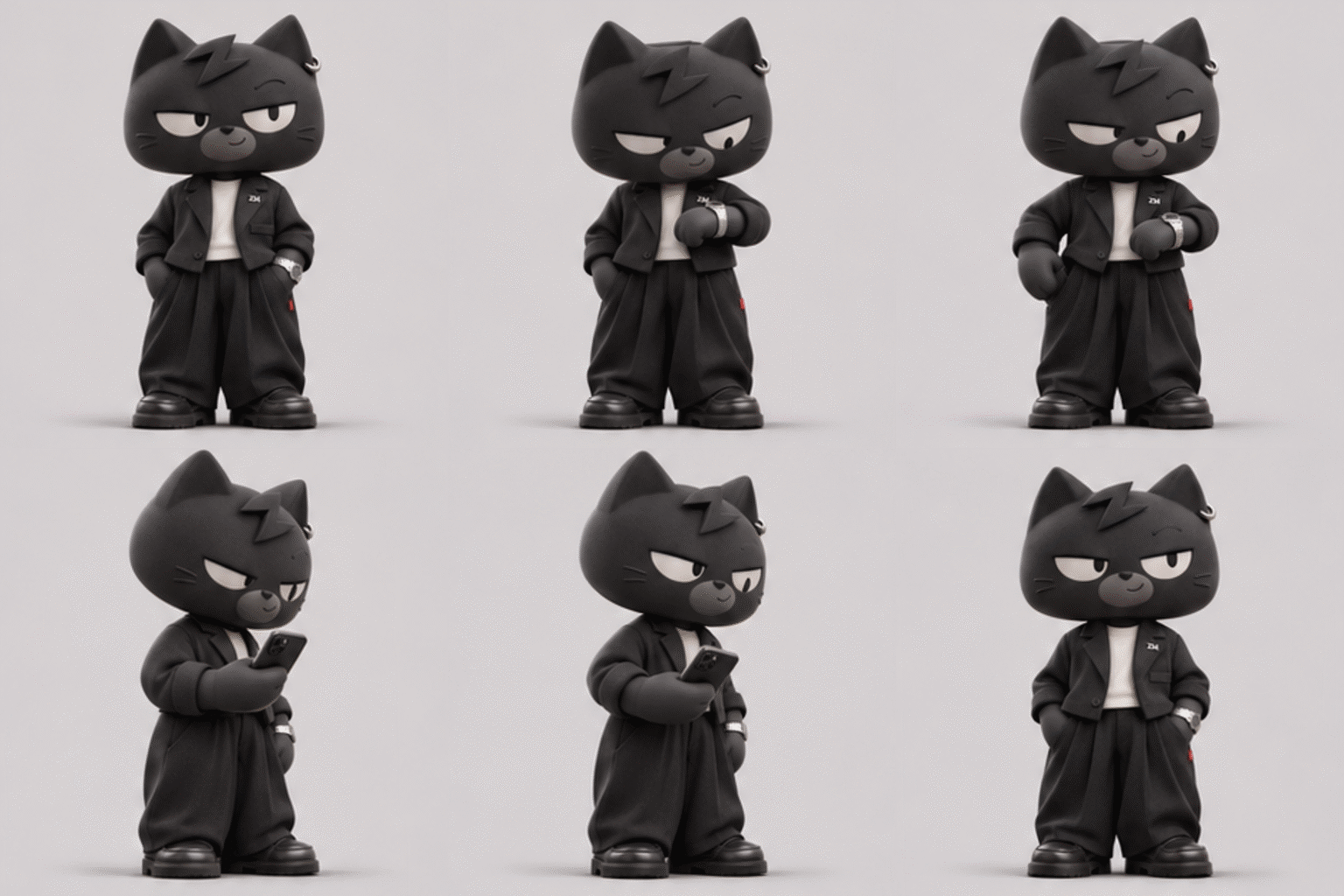
The system delivered four planned looping GIFs in one batch and attached a ZIP file for download. The entire process from prompt to four finished GIFs took about 9 minutes in our test.
Step three : Download the GIF files
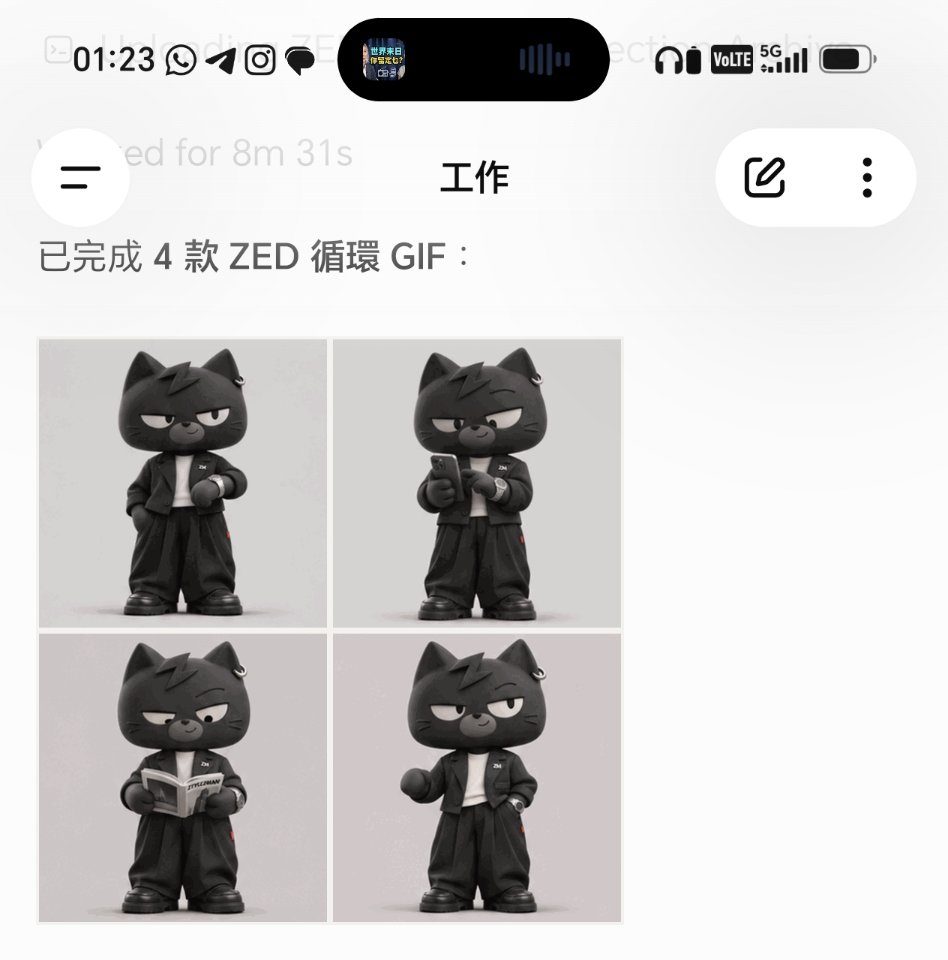
All four GIFs were 512 by 512 pixels, each made from 16 frames and set to loop indefinitely. The first GIF ran 3.84 seconds per loop. The other three ran 2.88 seconds per loop.
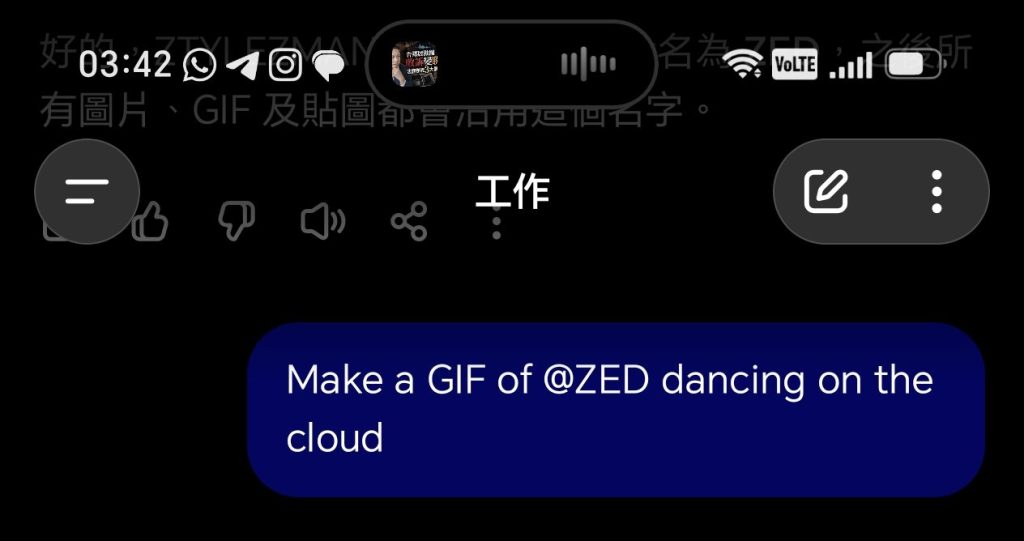
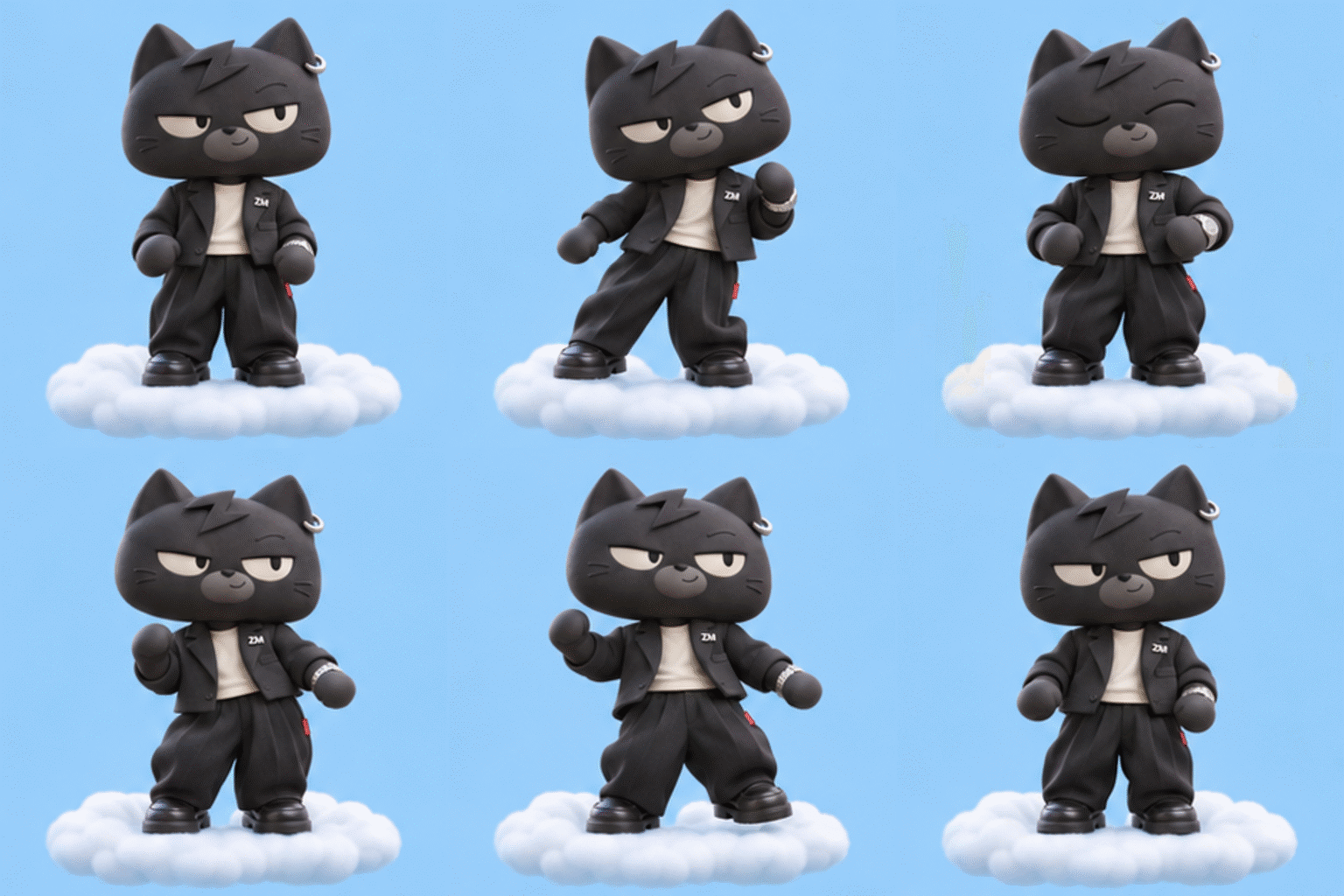
You can name and save a character image for reuse in later prompts, so you do not need to reupload the same art. In our test we saved the ztylezman cartoon cat as ZED, then asked “Make a GIF of @ZED dancing on the cloud” to generate a new cat GIF.
Free tier availability for Images 2.6 GIF
OpenAI said Images 2.6 is rolling out globally and is available on the web, desktop, and mobile versions of ChatGPT and Codex, across paid subscriptions and the free tier.
The free tier has limits on image generation volume. OpenAI has not published exact per plan daily GIF quotas.
Speed claims and model differences
OpenAI says Images 2.6 is 50 percent faster than Images 2.5 using its internal benchmarks. In those benchmarks the same image reduced generation time from 7.08 seconds to 4.84 seconds, which equals about a 46 percent improvement by the raw ratio, and about a 32 percent drop by elapsed time.
OpenAI noted the 50 percent figure is its claim and has not been independently verified. The company has used the same 50 percent wording for prior generational comparisons, including when Images 2.5 was introduced versus Images 2.0.
OpenAI offers two API model families. Flare focuses on speed and layout for posters and e commerce product images, with low quality settings producing images in about 6 seconds. Sunburst focuses on higher quality and finer detail, producing sharper images and better consistency across multiple edits.
Images 2.6 adds direct GIF generation so users do not need to render and edit each frame manually. In accounts that do not yet have the GIF feature, the system will return separate static frames instead of an assembled animation.
For the journalist test documented here, the Images 2.6 GIF workflow kept character details consistent across edits and enabled quick reuse of saved characters for new animated prompts.